CPU CoolerGraph
850 RPMEdit
FanControl Pro runs your CPU, GPU and case fans on curves you draw yourself. One lightweight Windows app: no background bloat, no ads, no accounts.
Drag the curve points. Arrow keys work too.
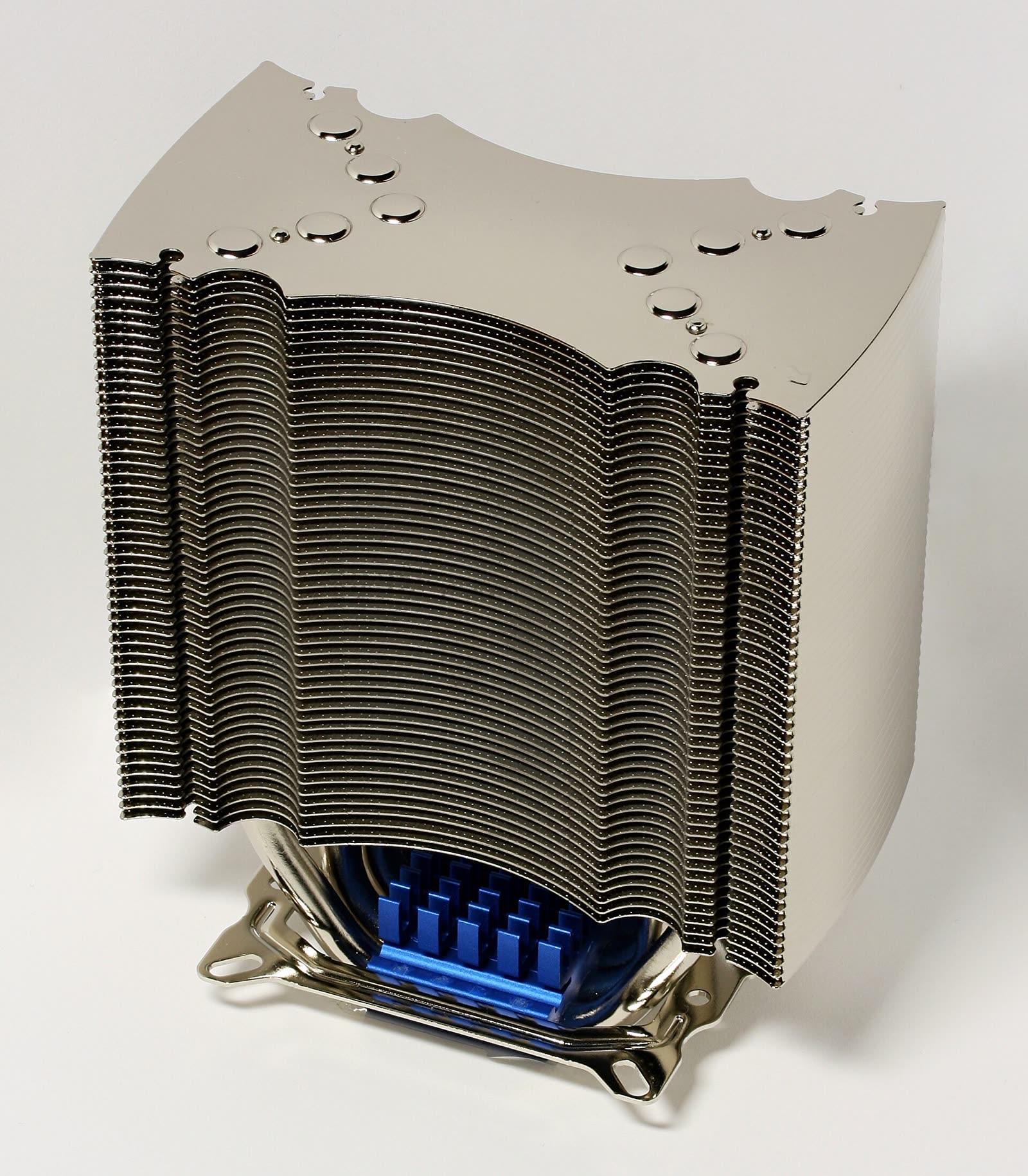
Stop running one utility per component. FanControl Pro sees every fan at once and treats cooling as one system: case fans can follow the GPU, and the pump can follow the coolant.
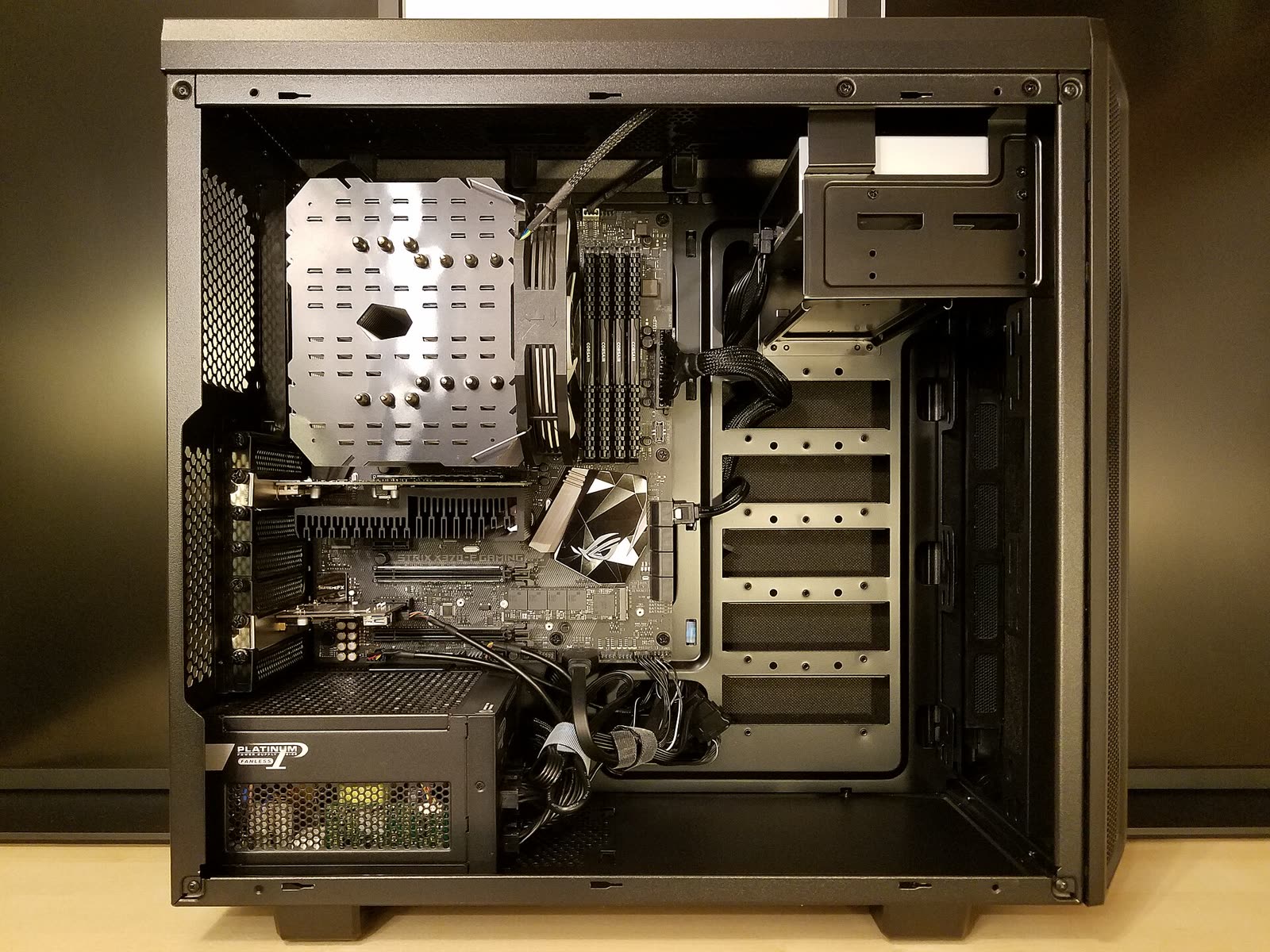
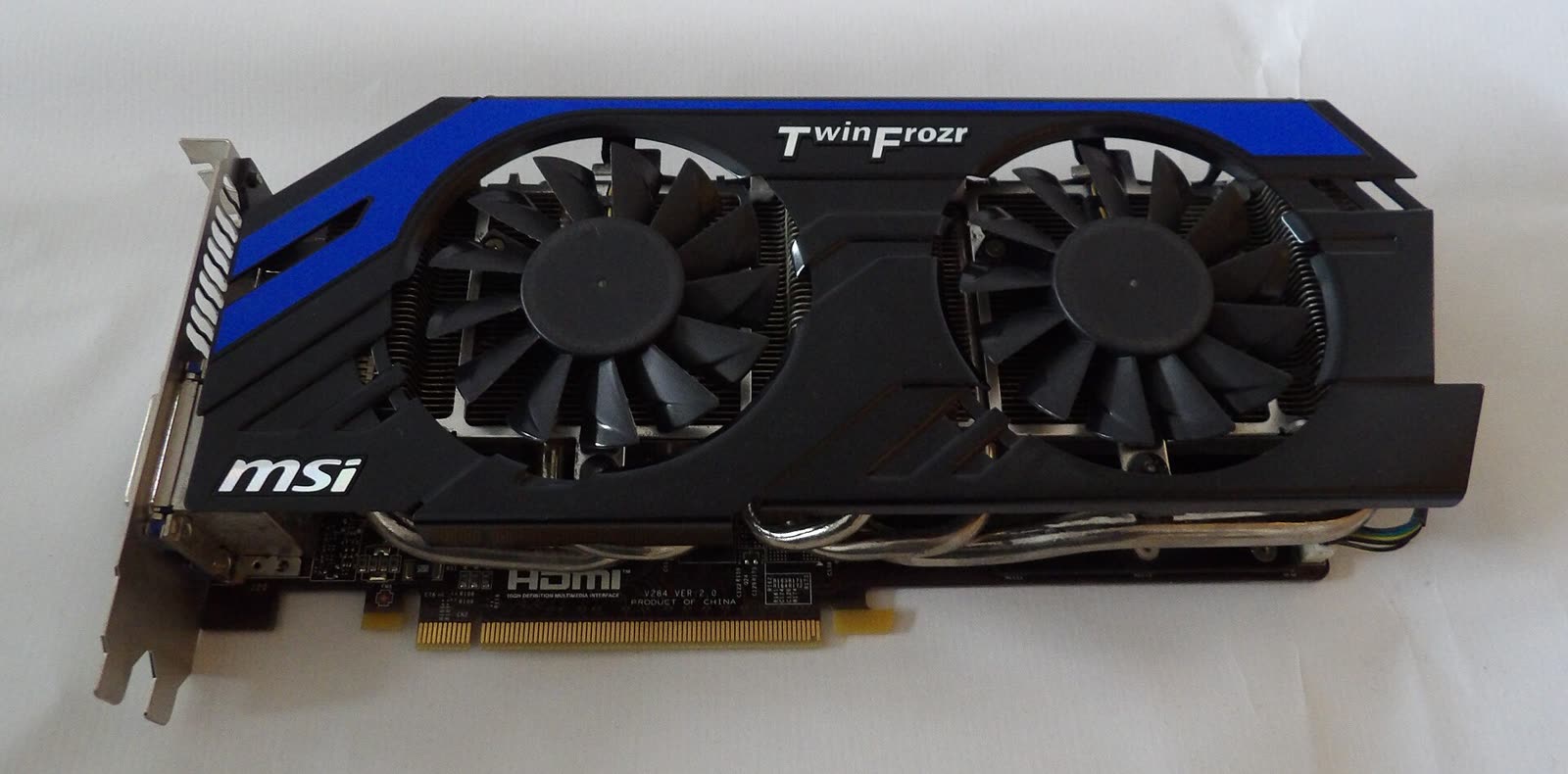
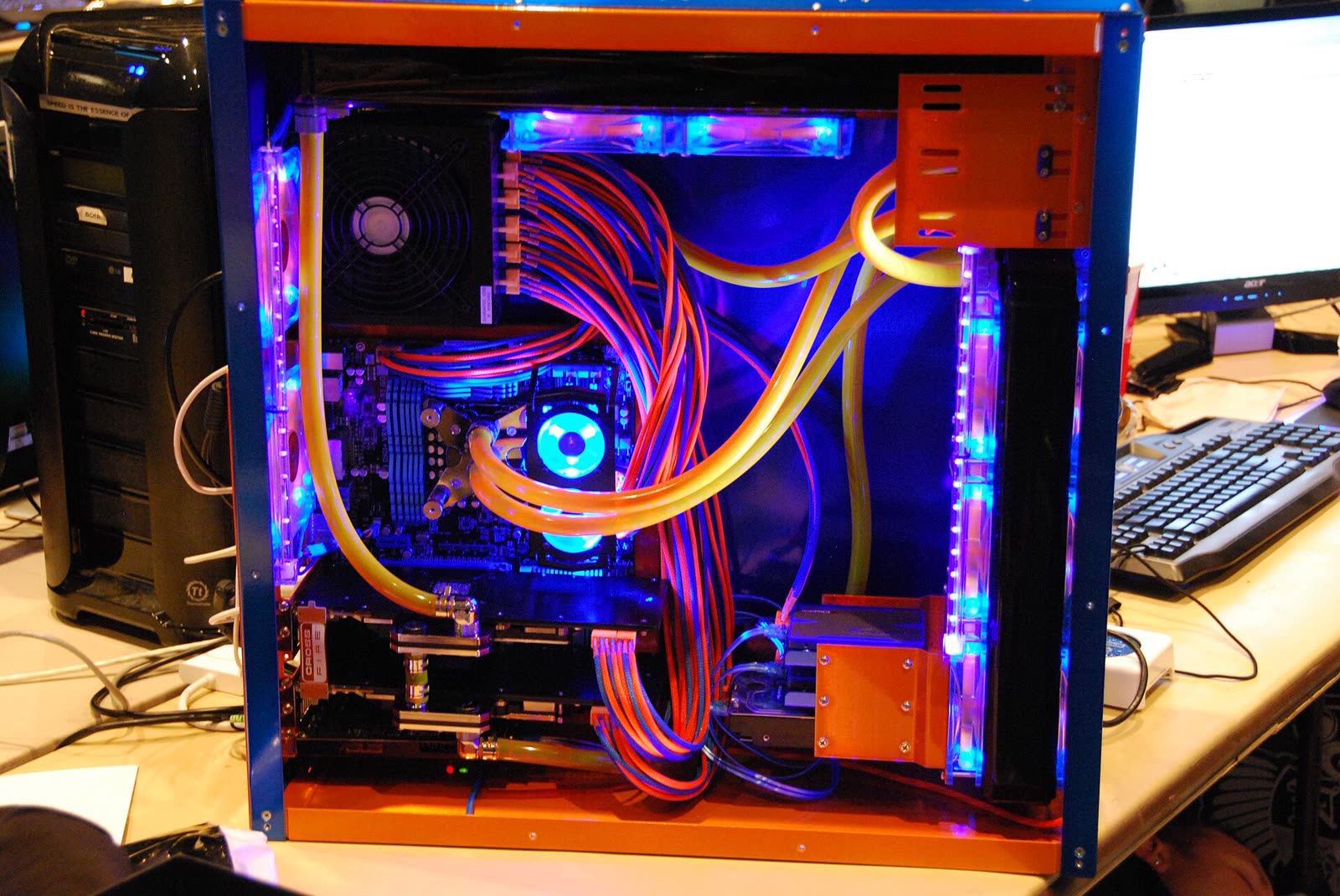
Graph
Draw it point by point: as many nodes as you like, any shape. The workhorse for CPU coolers.
First, assisted setup finds every fan.
Then each curve gets its own sensor.
Finally, the curves are mixed into one.
of 14, the case stayed silent
An ordinary day in the case-fan log: email and code at 0 RPM, ramping up only for a compile and an evening game.
Anything Windows can reach through the motherboard's fan controller, NVIDIA and AMD graphics cards, and most pumps and radiator fans. If a device reports its speed and accepts PWM or voltage control, FanControl Pro can drive it.
Turn off its fan control at least. Two programs fighting over one header make the speed jump around. Assisted setup tells you if it spots that kind of conflict.
One window, no updater running in the background, no account. Minimised, it sits in the tray and barely touches the CPU.
The fan stops completely while the temperature is below a threshold and starts again once it crosses it. Start and stop points are set separately so the fan doesn't stutter at the edge.
Yes. .NET plugins add temperature, speed and control sensors: drop the .dll into the Plugins folder and restart. For simple cases, the File sensor reads a number from a text file.
Sensor reading is built on the open-source LibreHardwareMonitor library, so support for new hardware doesn't depend on a single developer and keeps arriving from the community.
Yes: quiet for the night, gaming, work. Switch between them from the tray in one click, with tray icons showing the temperatures you care about.
Overheat protection stays in the CPU and GPU firmware. A minimum speed and a start point keep a fan from stalling under load, and closing the app hands control back to the BIOS.
The installer is 6 MB. On first launch, assisted setup finds your fans and suggests starter curves.